Part of Creative Buddy. Hand your Onit team the business requirements. Prototype Studio asks the questions a good analyst would ask, then turns the answers into a clickable prototype on your own brand, in minutes. Refine it in plain English, approve it through a link, and your developers get a real handoff package.
 Prototype Studio · 1:01Prototype Studio
Prototype Studio, 1:01. Captions available.
 How It Works · 2:33Prototype Studio: how it works
How It Works, 2:33. Captions available.
Pick one format, or combine several in one prototype.
Every screen here is the working product, captured from the tour above.
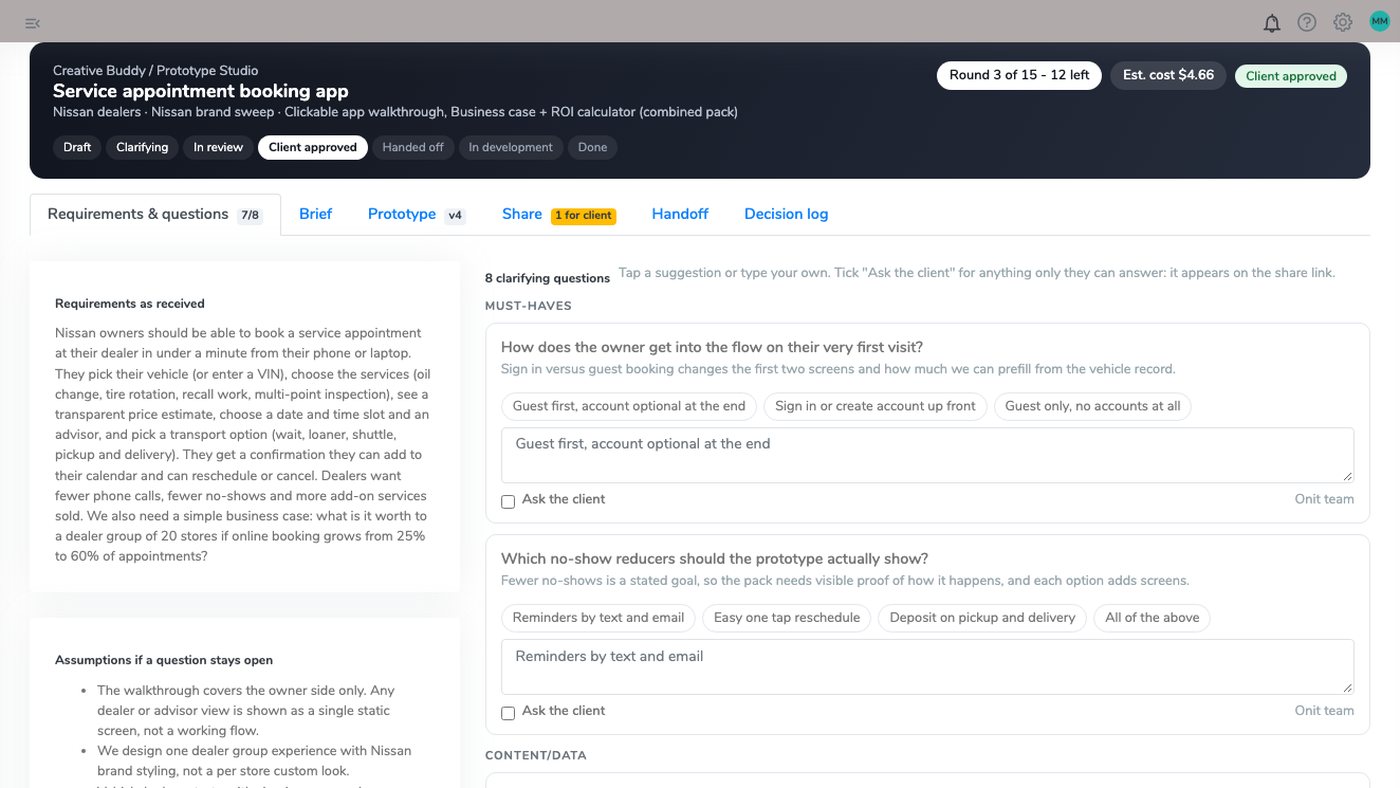
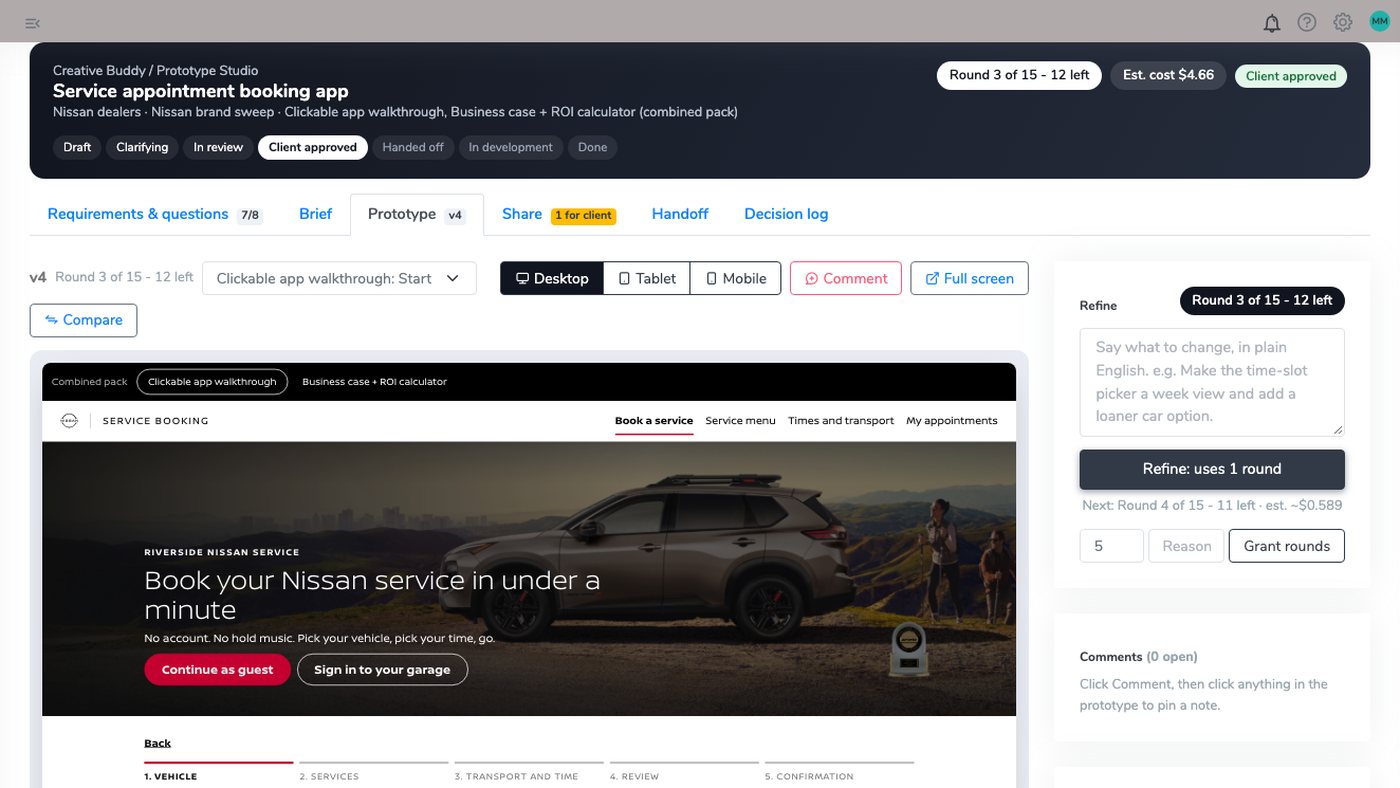
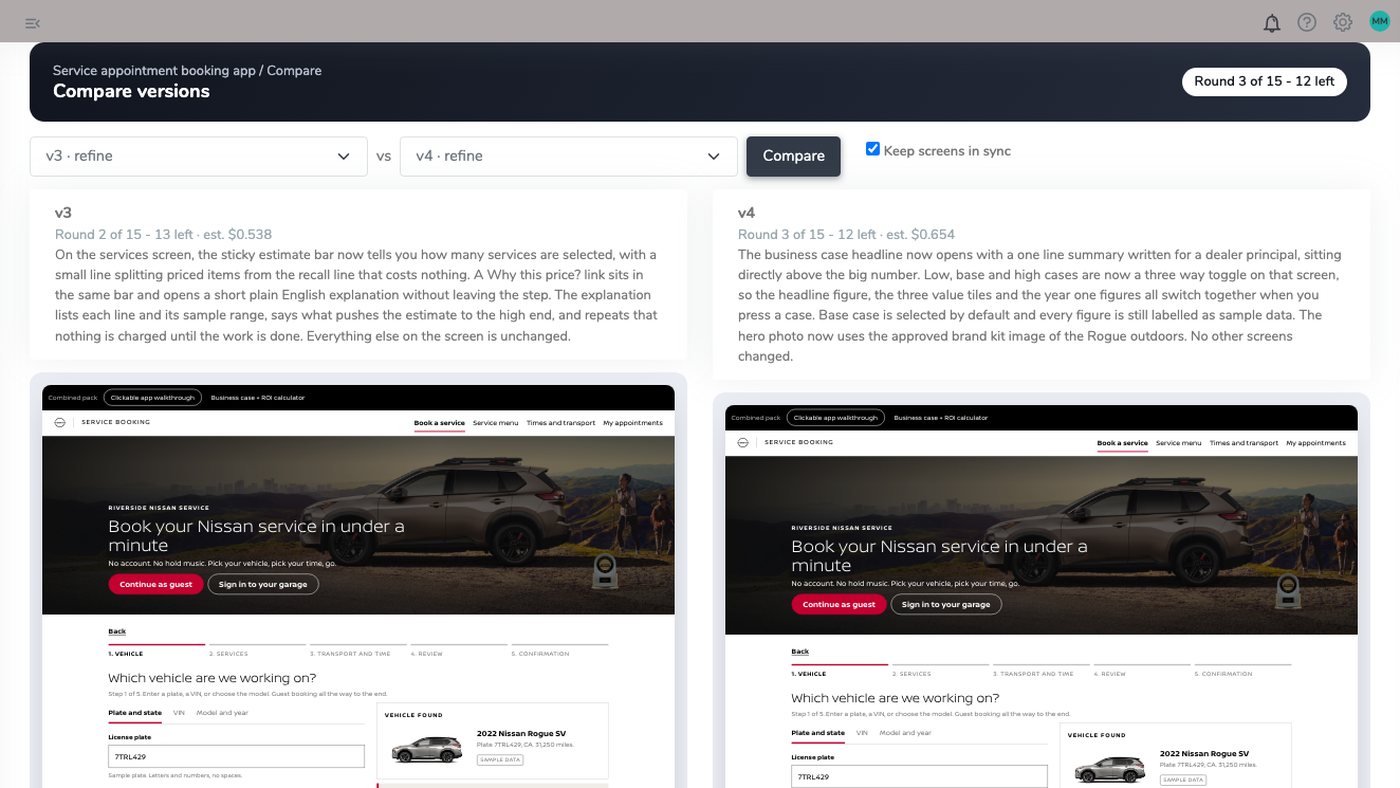
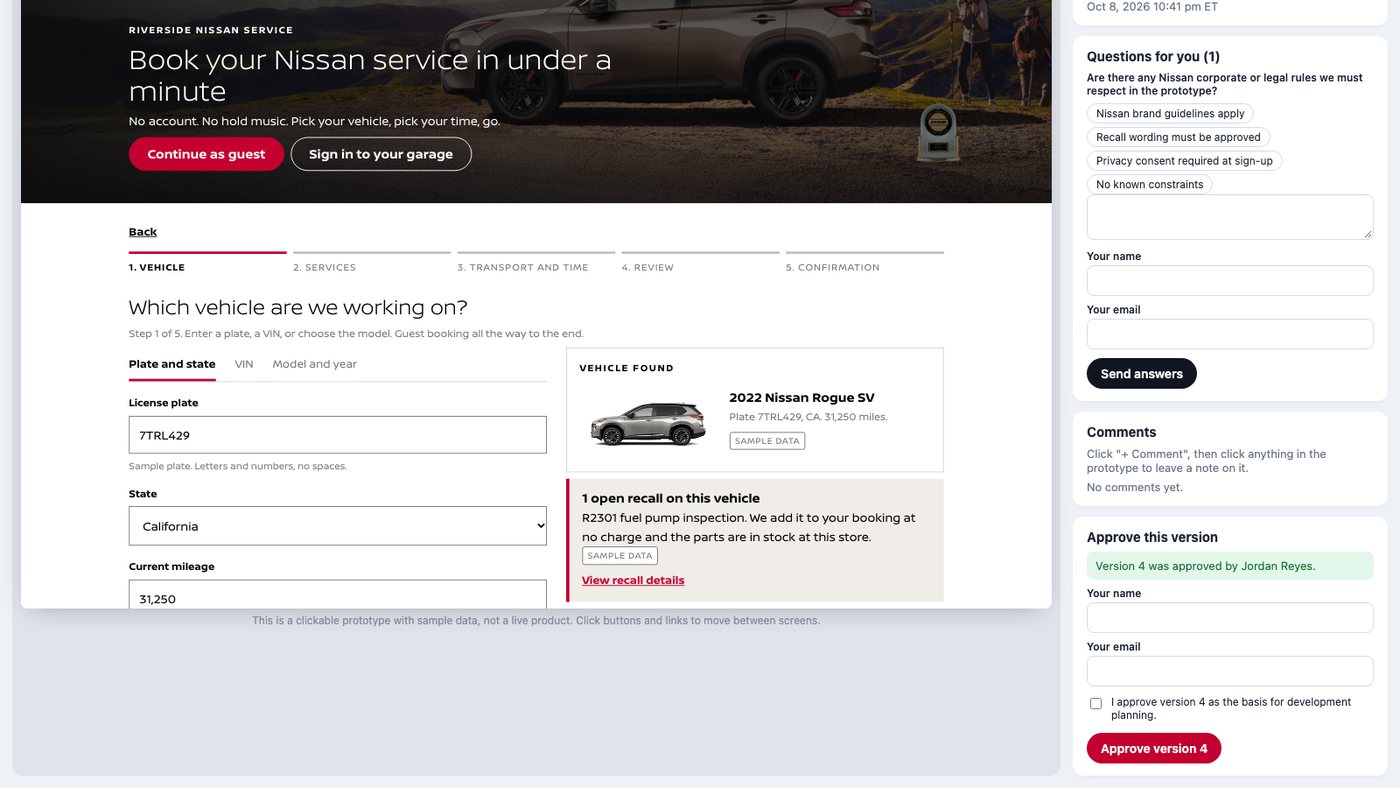
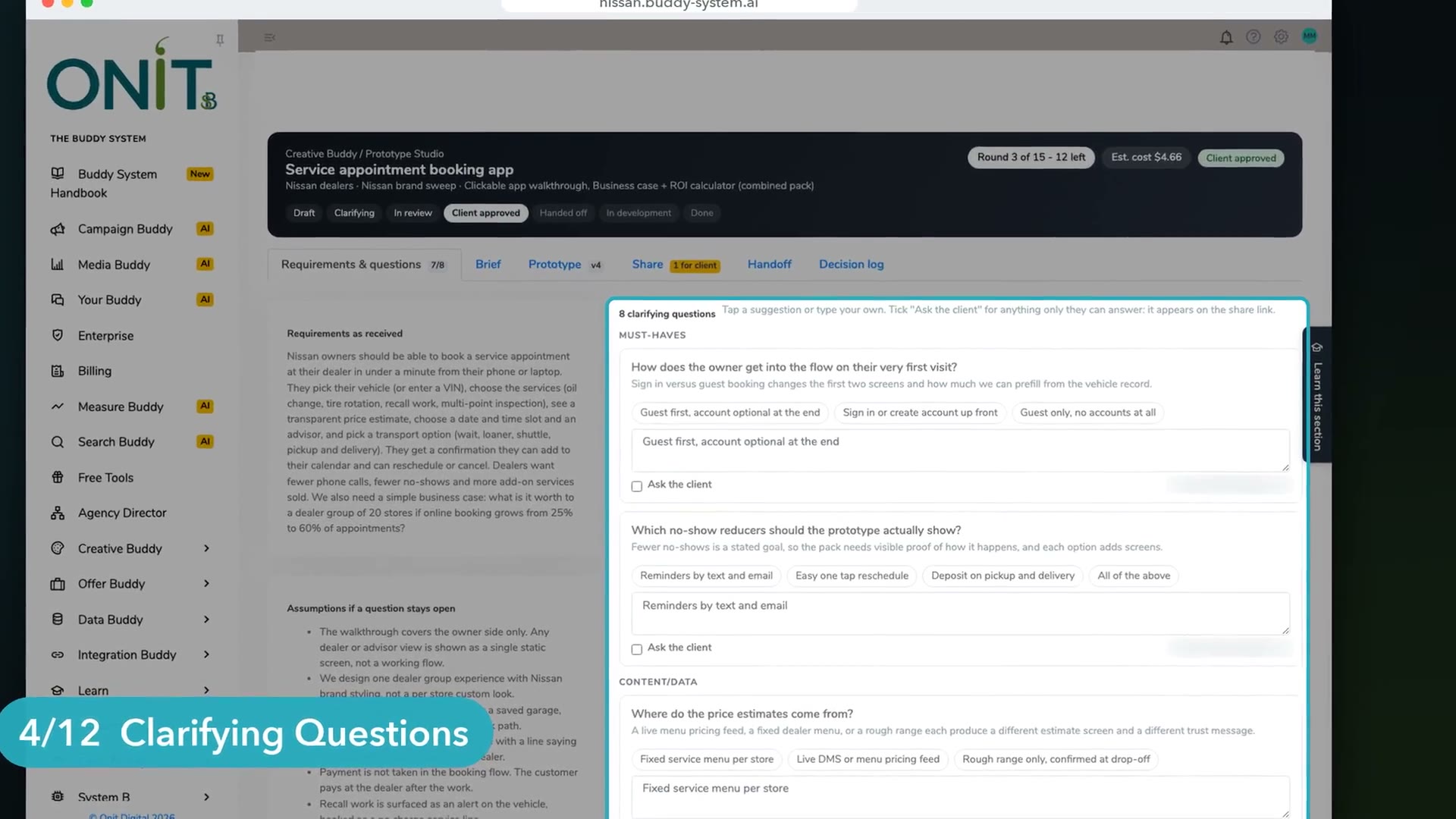
It reads the requirements and asks what is missing first, so the first version starts from what you actually meant.
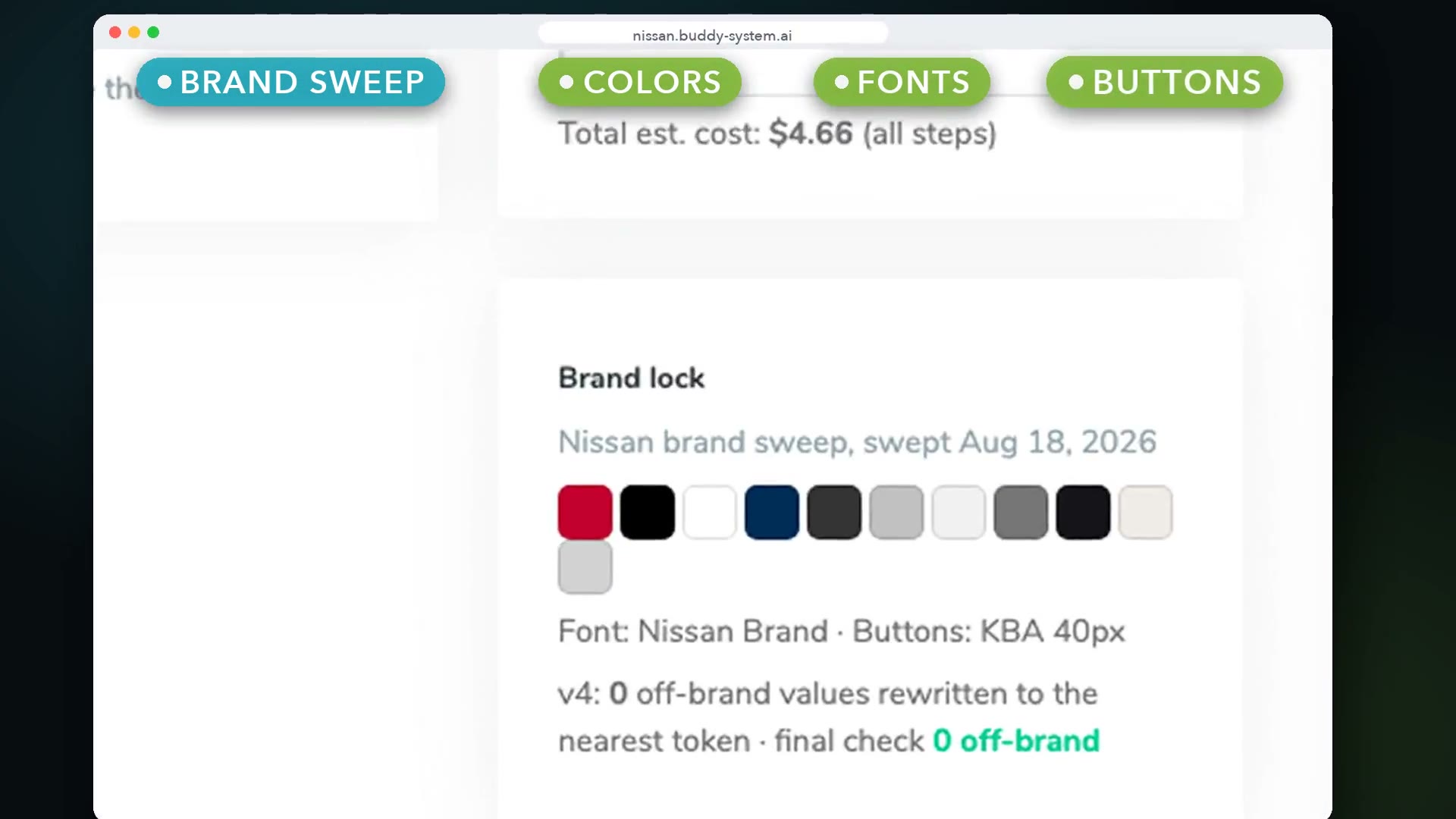
Colors, fonts, buttons, logos and voice come from your brand sweep, the same one every Buddy System tool uses.
Approval produces a spec, user stories, acceptance criteria and open questions, saved in Buddy, pushed to Drive with a GitHub issue for the dev team.
What Prototype Studio makes, and what it does not.
Or team it up with The Buddy System: the prototype uses the same brand sweep as every page, ad and offer it builds.
See more tools work: PFA Builder · PFA Carousel · Pulse Player · Page Builder · Widget Studio · Digital Coupons · Brand Sweep · Asset Studio · The asset manager · Text Me My Offer · Creative Buddy · The Creative Buddy Studio · Media Buddy · Measure Buddy · Search Buddy · The Idea Center · Offer Buddy · Data Buddy · Campaign Buddy · Integration Buddy · Users and Access

Give it the goal. Get the campaign. A person still presses send.